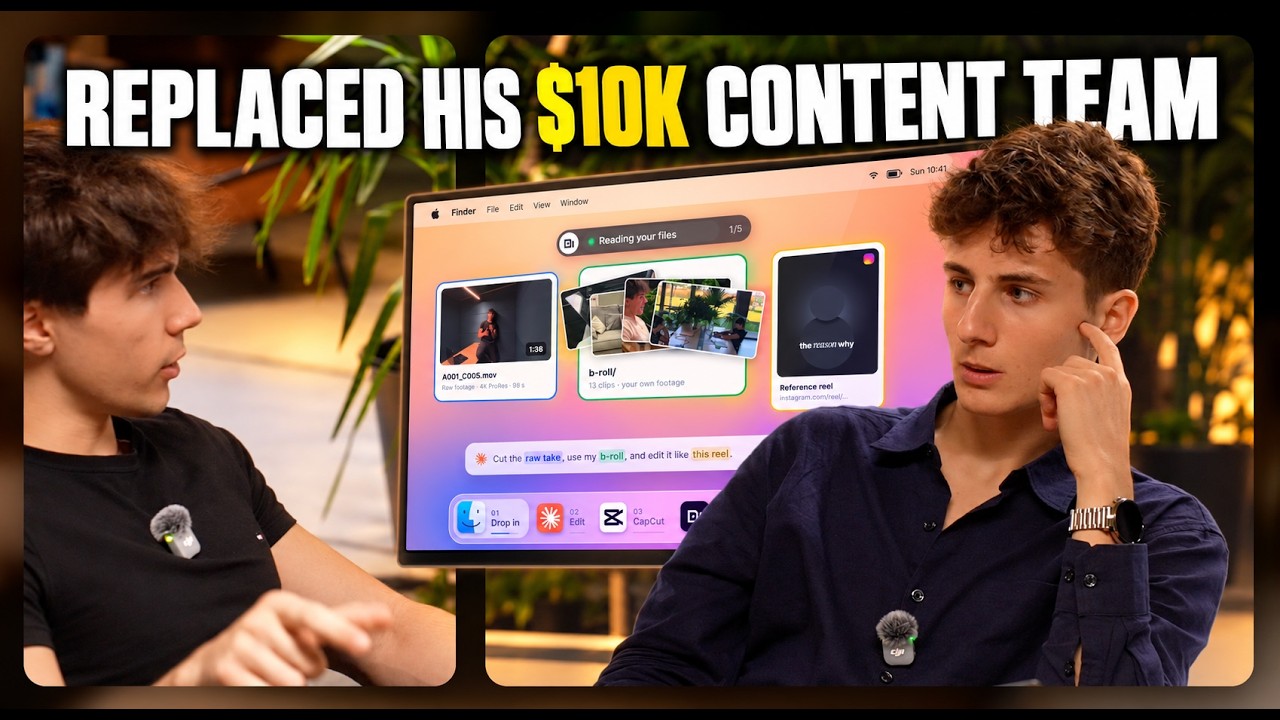
Stop editing.
Start farming.
Content Farm finds your raw footage on your device, edits all your videos and syncs everything into your own content planner.
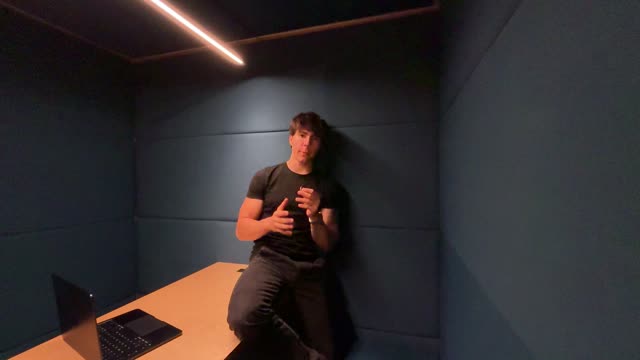 1:38
1:38
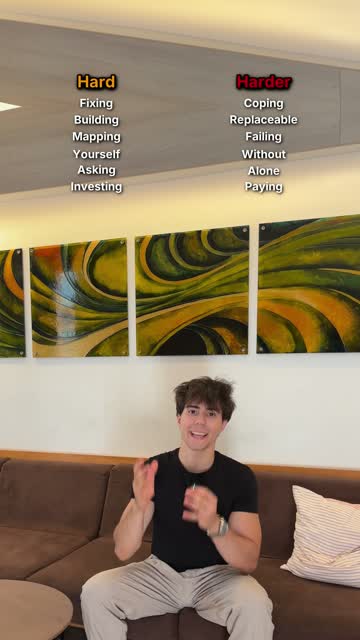
 g1 · apps published vs used
 g2 · outcome → UX → build
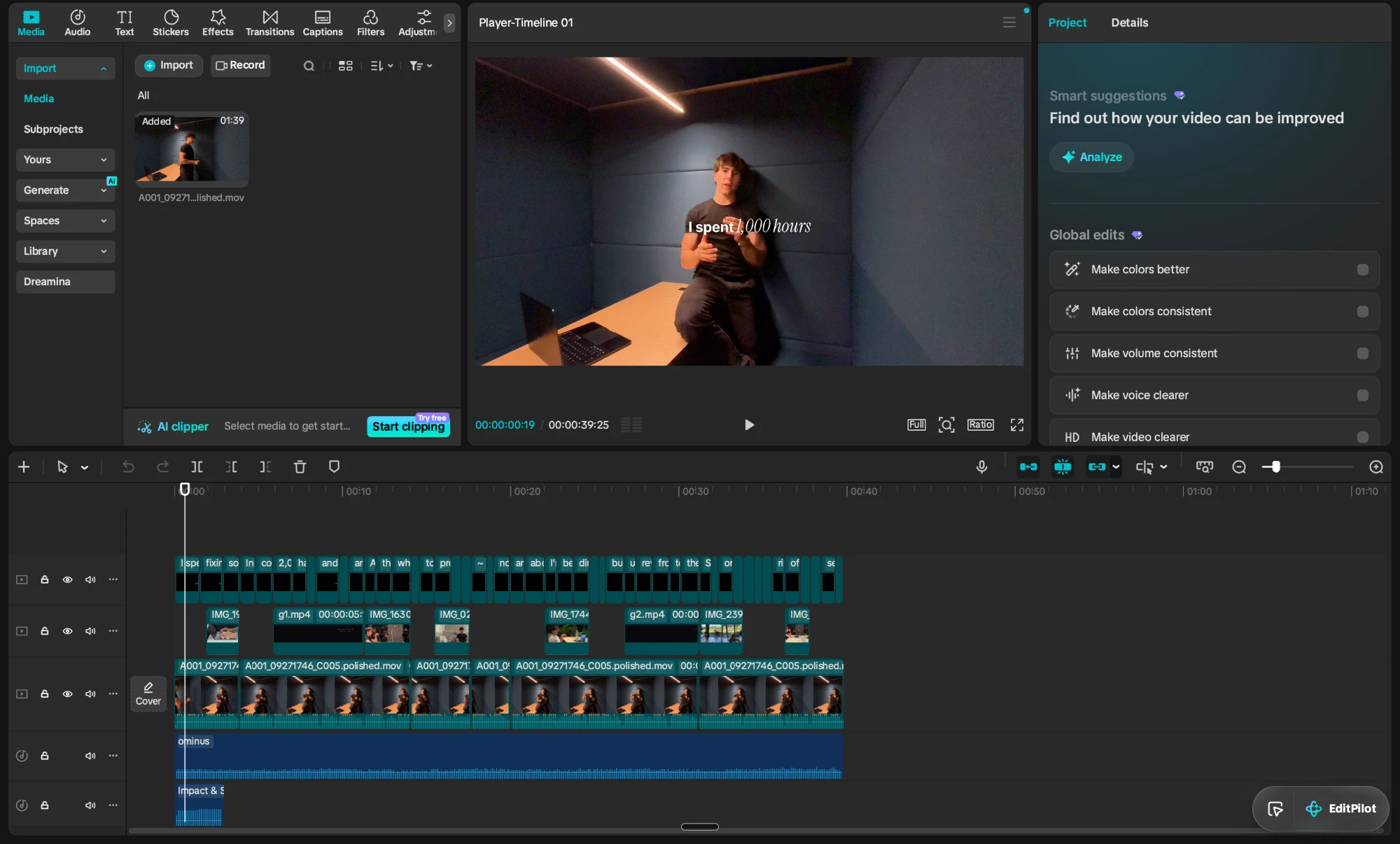
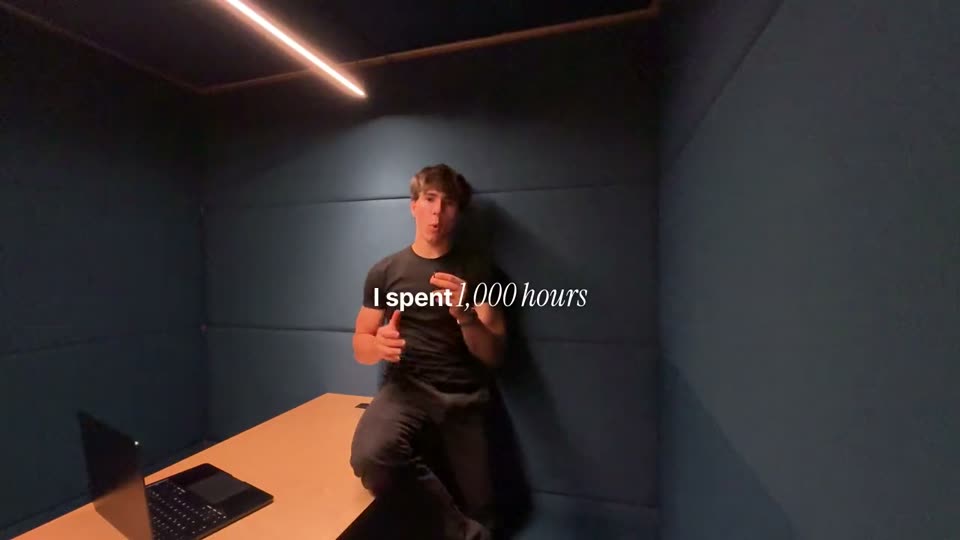
I've spent 1,000 hours fixing vibe-coded apps so you don't have to.
Finds what's working in your niche.
Claude keeps your pipeline moving.
Every idea holds its finished cuts.
Then it fills your calendar.
#17
curating raw business data (goals, transcripts, competitor notes, interviews)

network) reinforced by a bolder on-screen overlay claim (rewires your brain chemistry), then earns it with a relatable elite-university analogy and a quotable fish-tank payoff line that makes the reframe memorable and shareable.
 1 / 4
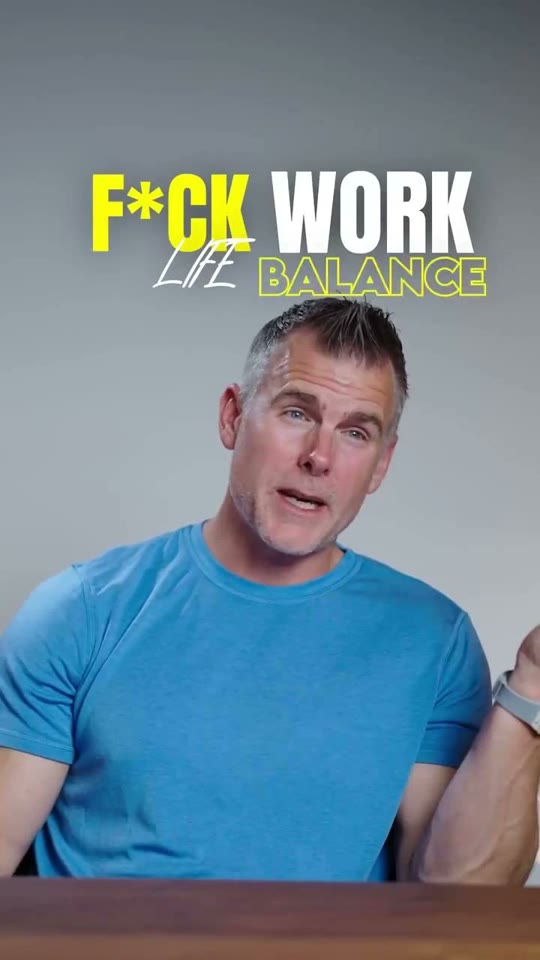
1 / 4A direct-to-camera rant arguing that work-life balance is a myth for high achievers, using pop-culture examples (Ronaldo, Jobs, Musk) with a cutout image gag to make the case for 'integration' over separation.
The profanity-laced contrarian hook (bolded on-screen text matches the spoken line) immediately signals a hot take against a widely accepted belief, and the celebrity name-drops with a visual cutout gag give it shareable, debate-baiting proof points.
One take. Three looks.
The same raw footage, run through three editing templates.
Plus colour variants
Every reel, three ways, ready to A/B.
Frequently asked questions
Can AI actually edit well?
Yes, because it doesn't work alone. You stay the director and keep full control of every cut, caption and look, while it takes care of the busy work. Behind it is an editing recipe I spent months perfecting, learning from the biggest creators, so every edit starts from what already works.
How does it copy a reel's style?
It pulls the reel and studies it frame by frame, with the audio and transcript. Putting all three together, it reverse engineers the style and applies it to your video.
Is setup complicated?
No. We do it together on a call: download the folders, click Run the Setup, add your handle and socials. Then you just prompt.
Does it work on my computer?
Yes, on Mac and Windows.
Will my videos lose quality?
No. Your master files stay on your computer; the planner only shows previews. You export from the master in its original quality.
I'm just starting out. Is it for me?
Yes. Starting out, you need to learn content, not editing. This takes the editing off your plate.